Clothing and fashion
Mira
€39.00, once, and it stays yours
For modern fashion stores with a big catalogue: a bright, energetic look with a wide search, a three-picture hero and best-seller chips.
by ShopWhizzy
Trying it is free and lasts as long as you like. You buy it when you are ready to open your shop to the public.
- Version
- 1.2.4, Nov 7, 2026
- Industry
- Clothing and fashion
- Catalogue size
- Large (over 200)
See it live
Click around the demo shop the way a customer would.
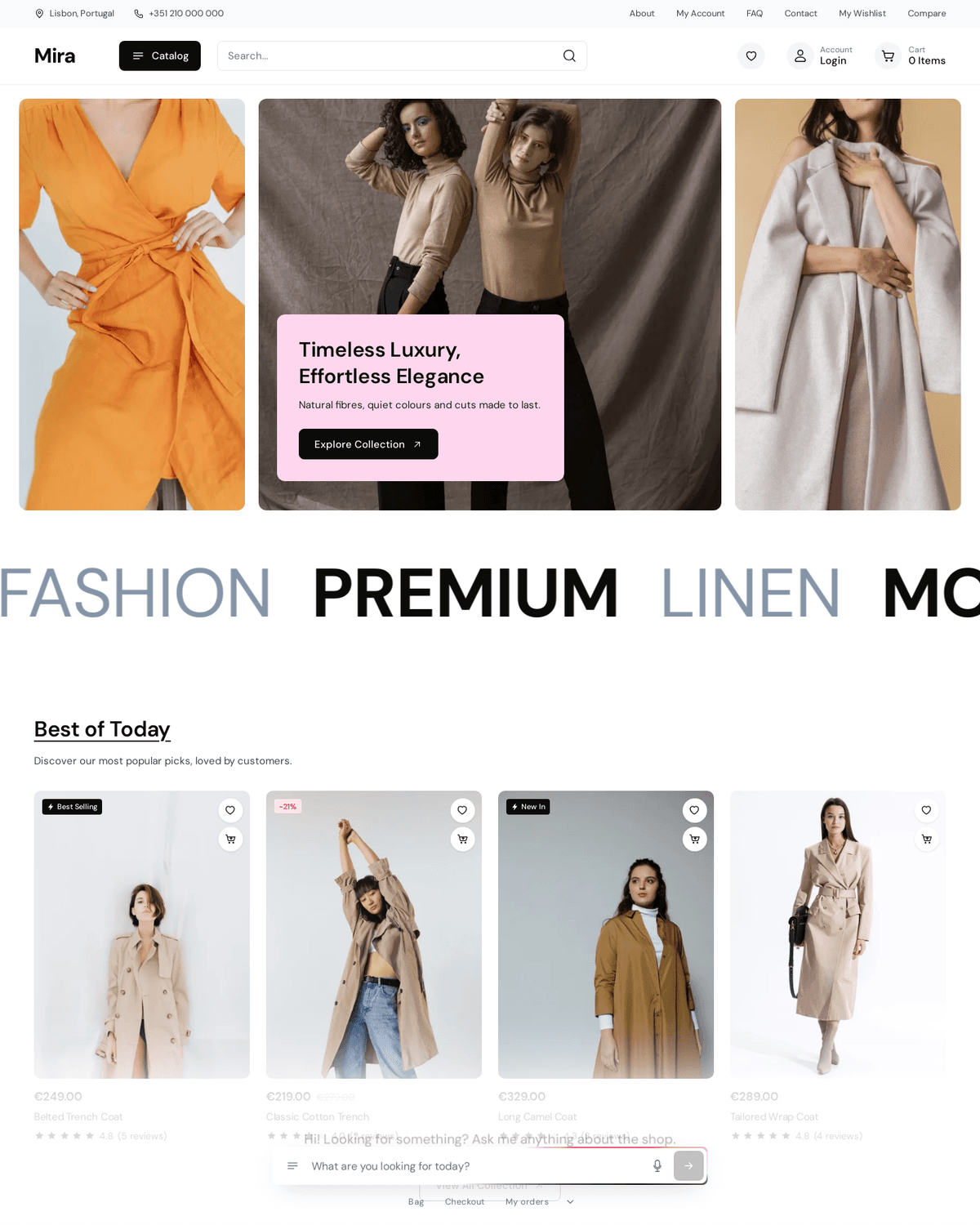
The Mira demo shop, a theme for fashion stores.
About Mira
A bright, modern fashion shop: a top bar with a black Catalog button and a wide search, a hero of three tall pictures with a pink card, huge moving words, product cards on soft grey tiles with Best Selling chips and stars, a Filters card beside the category grid, and a black strip of notes over the newsletter. Based on the Avelio design, Figma Community.
What's in it
- A top bar with a Catalog button and a wide search
- A hero of three tall pictures with a pink card
- Large moving words across the page
- Product cards with Best Selling chips and star ratings
- A filters card beside the category grid
- A newsletter strip at the foot of the page
What's included
Built into Mira
- Blog
- Testimonials
And with every theme on WhizzyCommerce:
Cart and checkout
- Slide-out cart
- Discount codes
- Gift cards
- Tips at checkout
- In-store pickup
- Cards, PayPal and Mollie
Marketing and conversion
- Product reviews
- Low stock notice
- Sell before it is back in stock
- Google and Meta shopping feeds
- Google Analytics, Meta pixel and Tag Manager
- Sitemaps and rich results
Merchandising
- Pictures per variant
- Custom options
- Wishlist
- Compare products
Product discovery
- Search with suggestions
- Filters and sorting
- Customer accounts and order history
- Sign in with Google
- Shop in 22 languages
Made by ShopWhizzy
Support from the developer within two business days, from Design, Themes in your dashboard once it is on your shop.
What has changed
- 1.2.4Nov 7, 2026The language choice now sits beside the account on a wide screen and in the menu on a phone, with an icon in the theme's own hand. It draws nothing unless the shop publishes two languages or more.
- 1.2.3Oct 18, 2026Icons share one line weight and style throughout the theme, social icons included; cart, search, contact, login, blog and the page-not-found page follow the theme's own design.
- 1.2.2Oct 18, 2026The shop assistant now wears the theme: its input takes the theme's corners and field colour, the light around it runs in the theme's own colours, and its shortcuts and hide tab follow the theme's style.
All 10 versions
- 1.2.1Oct 13, 2026Changed sections: about, banner-dark, blog, cart, catalog, compare, contact, footer, header, mosaic, policy, post, product, wishlist. Styling revised (+0.1 kB of CSS).
- 1.2.0Oct 9, 2026The price filter is a slider by default; shops that choose price ranges keep the list.
- 1.1.0Oct 2, 2026The checkout wears the theme: its button colours and corners.
- 1.0.3Oct 1, 2026New sections: compare, wishlist. Changed sections: about, banner-dark, blog, cart, catalog, contact, footer, header, mosaic, policy, post, product. Page layouts changed: compare, wishlist, footer, header, home, product. Styling revised (+5.4 kB of CSS).
- 1.0.2Oct 1, 2026Changed sections: about, banner-dark, blog, cart, catalog, contact, footer, header, mosaic, picks, policy, post, product, trending. Page layouts changed: footer, header, home, product. Styling revised (+1.7 kB of CSS).
- 1.0.1Sep 30, 2026Changed sections: about, banner-dark, blog, cart, catalog, contact, footer, mosaic, policy, post, product. Page layouts changed: footer, header, home, product. Styling revised (+0.1 kB of CSS).
- 1.0.0Sep 30, 2026New sections: about, banner-dark, blog, cart, catalog, contact, cta, explore, faq, features, gallery, hero, marquee, mosaic, news, not-found, policy, post, product, related, split, stories, team, testimonials, trending. Changed sections: footer, header, picks. Removed sections: feature-row, note. Page layouts changed: blog, blog-post, cart, not-found, collection, footer, header, home, product. New theme settings: quickAdd, quickAddMode, reviewsWord. Design tokens changed: colorAccent #0f1115 to #0b0b0b, colorFg #0f1115 to #0b0b0b, controlRadius 0 to 8px, fontBody "Inter", system-ui, sans-serif to 'DM Sans', system-ui, sans-serif, fontHeading "Inter", system-ui, sans-serif to 'DM Sans', system-ui, sans-serif, maxWidth 1200px to 1380px, radius 0 to 12px. Styling revised (+56.5 kB of CSS).
Questions about Mira
Is Mira free?
Mira costs €39.00, paid once, not a subscription. Trying it on your own shop is free and lasts as long as you like; you buy it when you open your shop to the public, and everything you set up during the trial is kept.
Can I change Mira to match my brand?
Yes. You can edit the theme yourself, or ask Claude to do it for you: colours, text and sections.
What happens to my products if I switch to Mira?
Nothing. Products, orders and customers belong to your shop, not to the theme, so you can try Mira and switch back whenever you like.
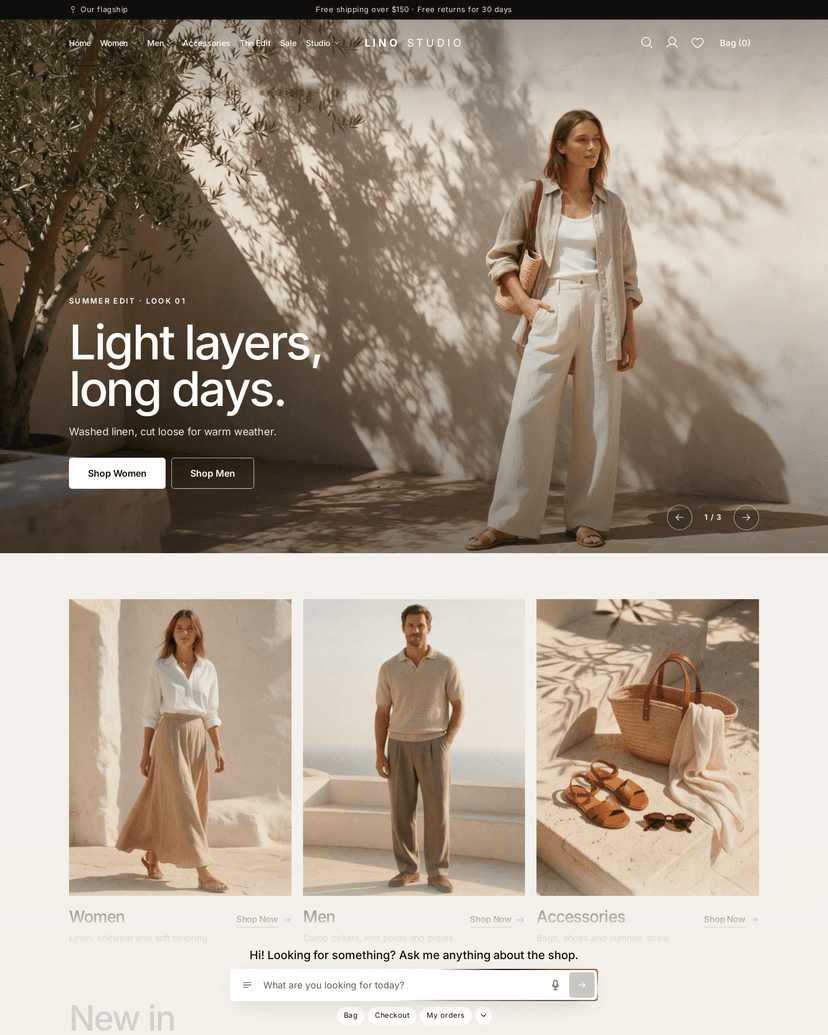
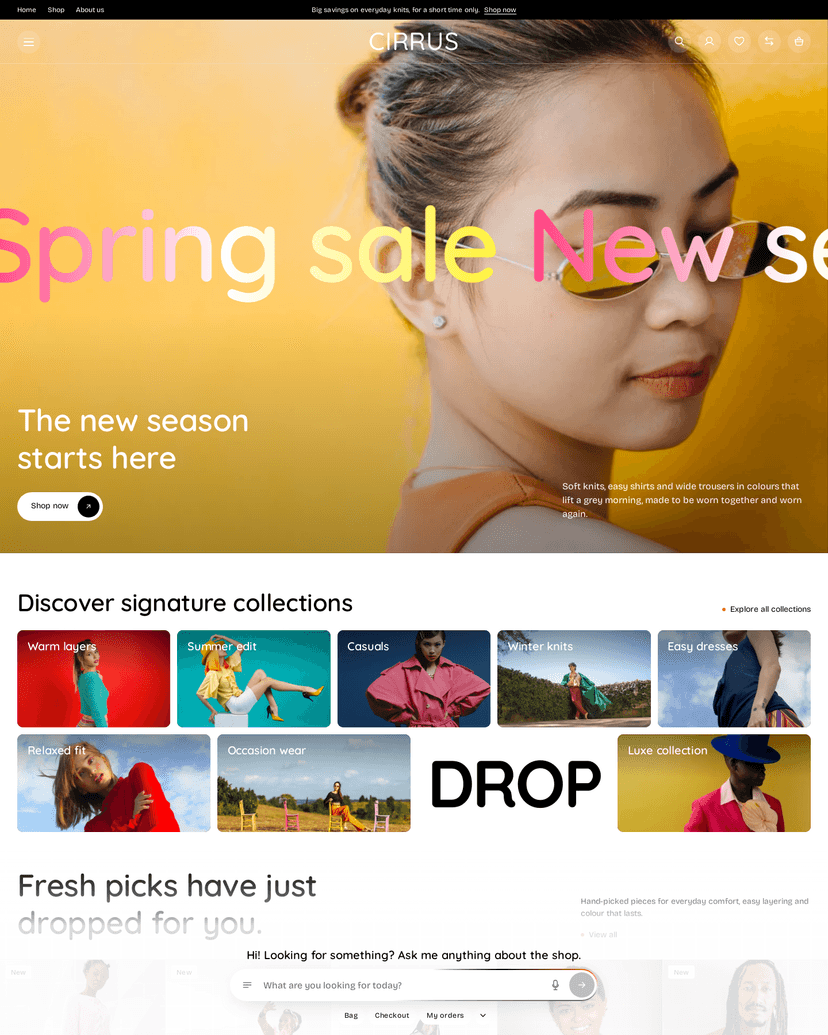
More themes for clothing and fashion
View all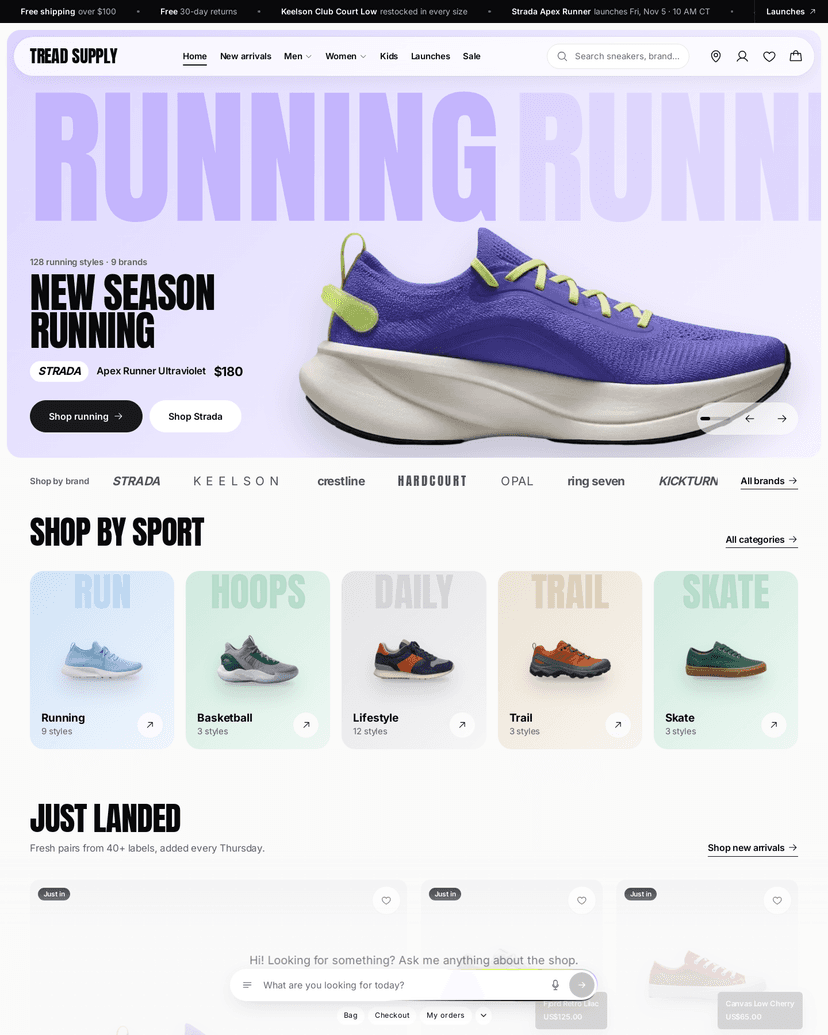
Want a theme of your own?
Tell us about your shop and the look you have in mind. We design and build it for you, free.